Arrival
Euphoric · 138 BPM
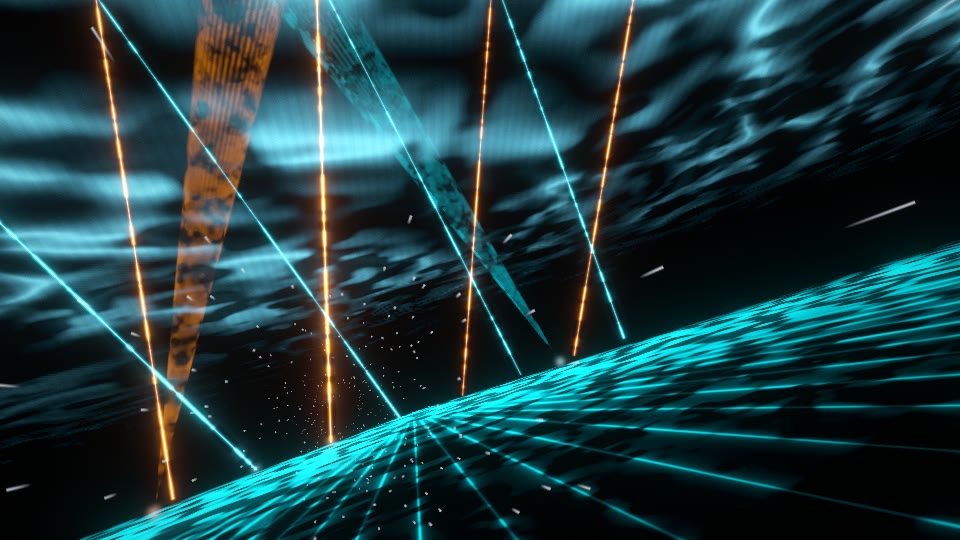
A countdown, then beams through the haze.
Lights and music, made live as you watch. Put a show on and watch it, or touch the lights and play along.
Free to play in your browser, under our terms. Coming to iPhone.
The shows
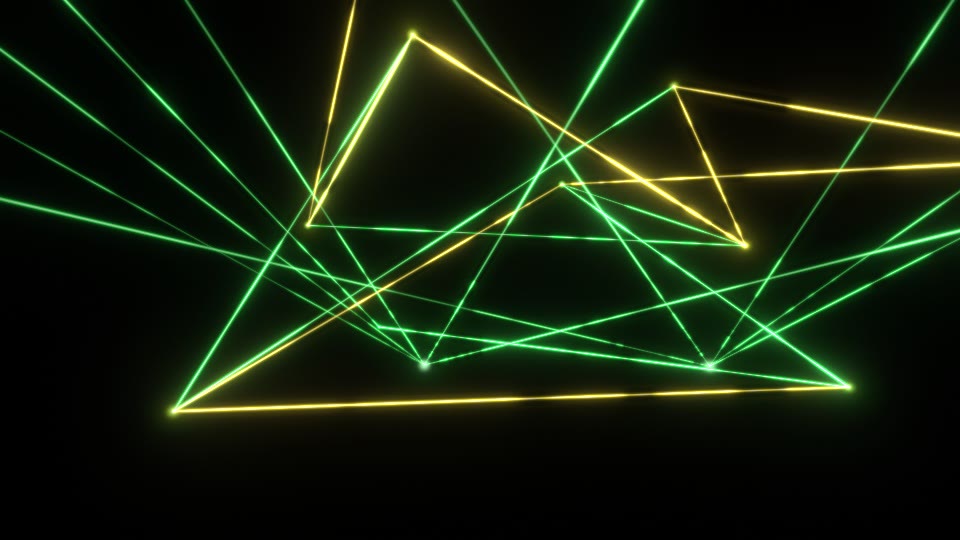
Each show runs as long as you let it: a build, a drop, a breather, and round again, with beams cutting through drifting haze.
Euphoric · 138 BPM
A countdown, then beams through the haze.
Hypnotic · 132 BPM
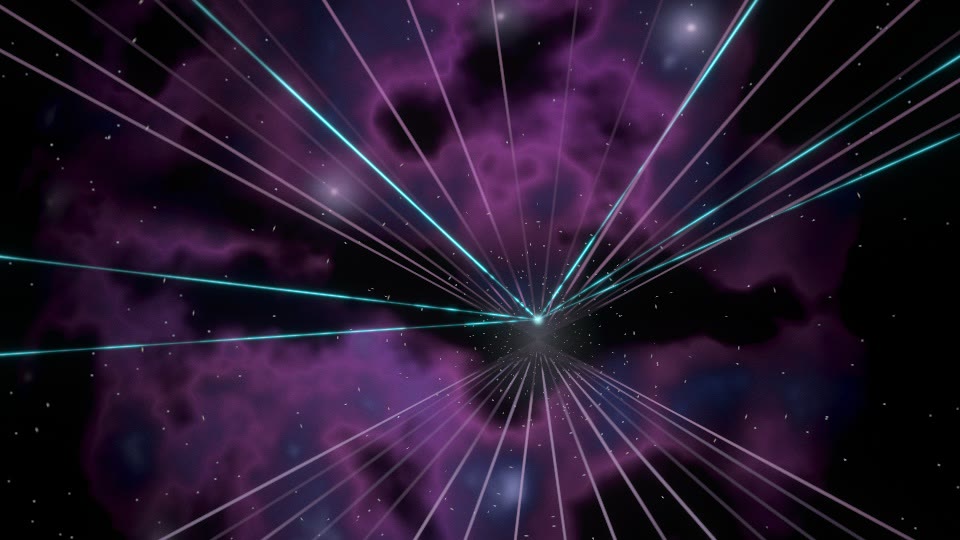
A corridor of colour with no end.
Dreamy · 84 BPM
Slow light for winding down. No flashes.
Lasersong is coming to iPhone. One email when it's out.
Get notifiedThe music
Nothing is streamed. As the show runs, your iPhone plays the drums, bass, lead and pads from the same score the lights follow, so every drop lands on the lights.
Arrival, show 4821. Its real arrangement for the first four minutes: the first drop lands at 0:28.
Title in lasers
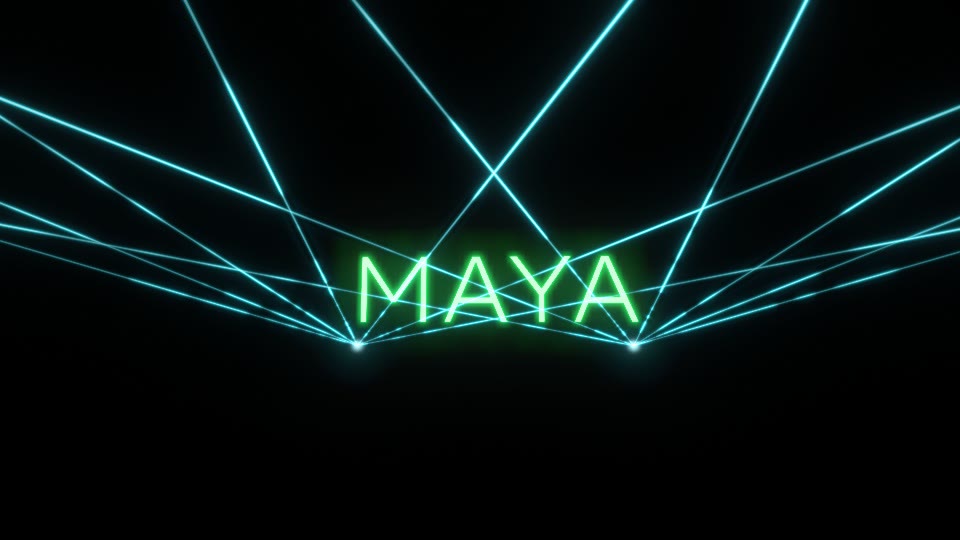
Type a name or a word before the show starts. When the show opens, the lasers write it.
Play along
Put a finger on the show and it answers with notes: across picks the note, higher up sounds brighter.
Catch the lights on the beat and let go on the drop. One show a day, the same for everyone.
The lights play a phrase on four spots. Play it back in the next bar.
Drag through drifting targets to lock on, then let go to fire. Your shots play the music.
And six more, from Call the Drop to Tunnel Run. Every game runs on the show's own music.
Calm
Bright light moves fast in a laser show. These are the limits the app keeps.
If flashing lights have ever affected you, talk to a doctor before you watch.
You can play it now, free, in your browser: start a show. The iPhone app is coming. Leave your email below and we'll send one note when it's out.
Your iPhone makes it while you watch, from the show's score: drums, bass, lead and pads, all in time with the lights. Nothing is streamed.
Only if you want to. Every show has a four-digit code: play the same code again and you get the same show, or shuffle for a new one.
Turn on Calm. It turns off the flashes and slows the beams, and it's on from the start if your iPhone has Reduce Motion on. The app also shows a photosensitivity warning before the first show.
Yes. Touch the lights and they answer with notes, or pick one of the nine games, each played on the show's music.
Email support@lasersong.com for help, or hello@lasersong.com for anything else.
Lights down
One email when the iPhone app is out, and nothing else unless you ask for it. For people 16 and older. See the privacy policy.